AIDE MEMOIRE:
Scholarly Publishing Conference 2021
We look forward to welcoming you to the Scholarly Publishing Conference which will be held on Remo, from the safety of your home or office, for the dates 20 & 21 September 2021.
When
Monday, 20 September – Tuesday, 21 September 2021
Please see detailed programme attached.
Please ensure you log in at least 15 minutes before the start of a session in order to ensure you have gained access and your camera and microphone is working.

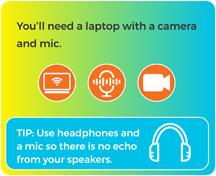
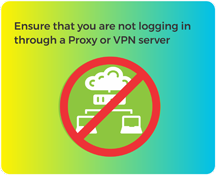

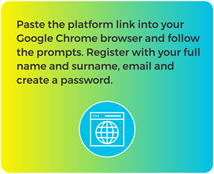
Download
Remo is web based and best accessed via Google Chrome. Please ensure you are on the latest version of Chrome. You can download it here: www.google.com/chrome/
Interacting in Remo
live.remo.co/e/scholarly-publishing-conference-
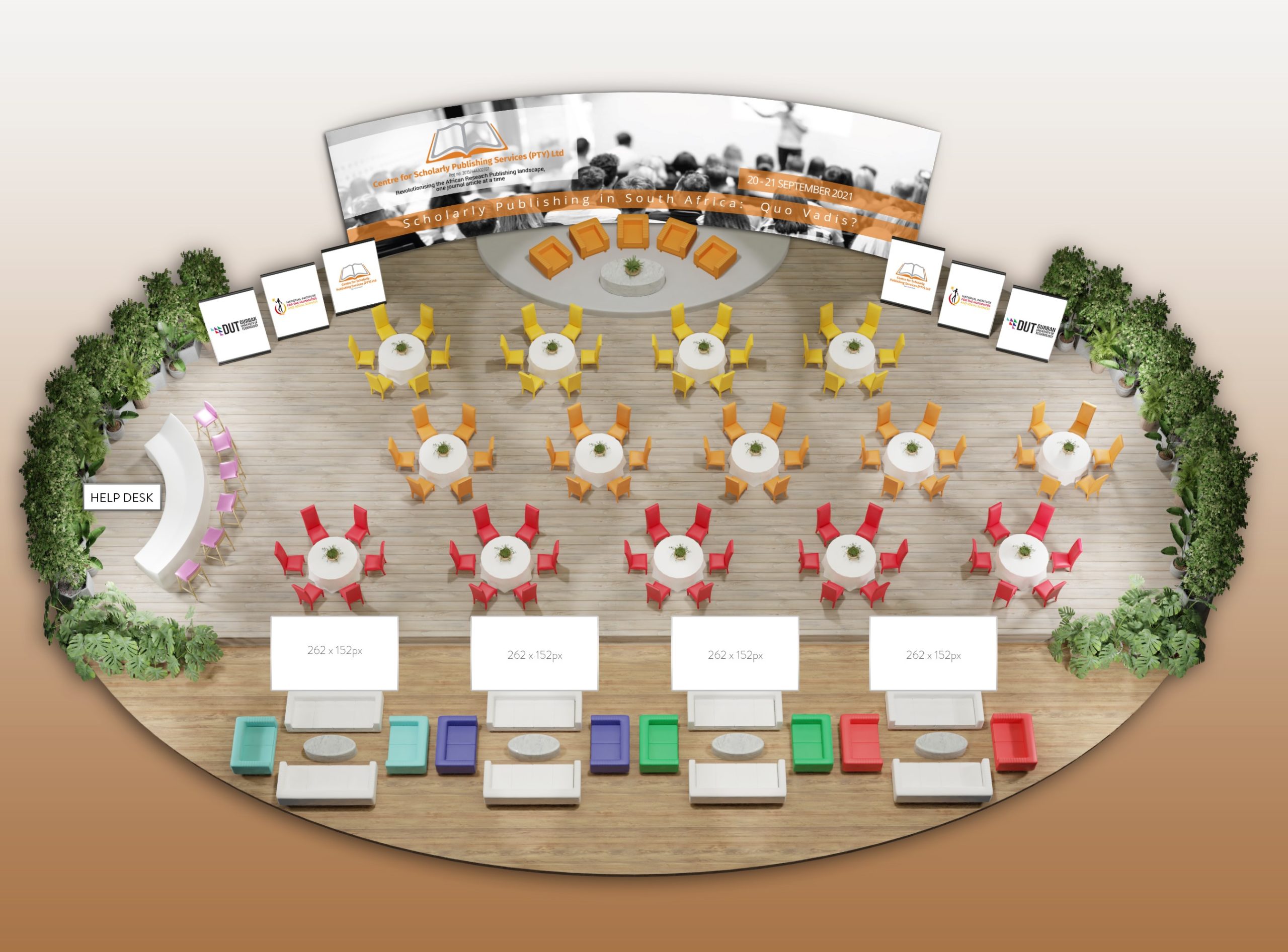
Remo is a combination of “face to face” conversation (table mode) and view only “stage” {presentation mode).
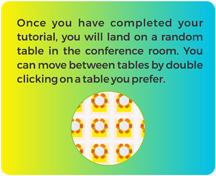
When in table mode, you can turn on your camera and mic and interact with the other 5 people at your table. You can also do this via the table chat box function. You are not restricted to the table you are placed at when you arrive, you can jump from table to table by double clicking on an empty chair.
When in presentation mode, access to your camera and mic are disabled and you will be able to view the speaker and presentation on stage. You will still be able to interact via the table and general chat box function.
You can interact with the session chairs and presenters by raising your hand, typing in chat, or typing in the Q&A .
- Raise Your Hand
Click the Raise Hand button at any time to indicate to the session chair and presenters that you have a question. (this is only accessable when in presentation mode) - Should the session chairs be taking open questions, they will indicate to the technical team to give you access to your microphone. Once access has been given, accept the prompt and your mic will be open to ask your question.
Send Messages with Chat
There are 3 different chat function. General chat, table chat and private chat.
- Click the Chat button to open the chat panel.
- Type your message in the Text box at the bottom of the panel.
- Press the arrow to the right to send your message.
Ask questions with Q&A
You can ask a question annonymously or with your name. Any question can be upvoted in order for the session chair to know which question the attendees have more interest in. .
- Click the Q&A button to open the window. (this is only accessable when in presentation mode)
- Type your question in the text field.
- If you want your question to be anonymous, check the Send Anonymously checkbox.
- Click Send.
Your profile
To increase networking between attendees, please complete all your details in your profile by clicking on your profile picture on the top right of the page and update there.
To enhance your experience, the platform will be open the whole day on Sunday, 19 September 2021 for you to log in, update your profile and to familiarise yourself with the platform. Remember to paste the link in your Google Chrome Browser when doing so. Please ensure no other application is using your microphone or camera by ensuring that MS Teams and/ or Zoom app is closed when logging on.
Should you have any queries, or need any assistance, please do not hesitate to contact us on info@scholarlypublishingconference.co.za
Sincerely
Scholarly Publishing Conference 2021 Conference Committee
https://www.scholarlypublishingconference.co.za/